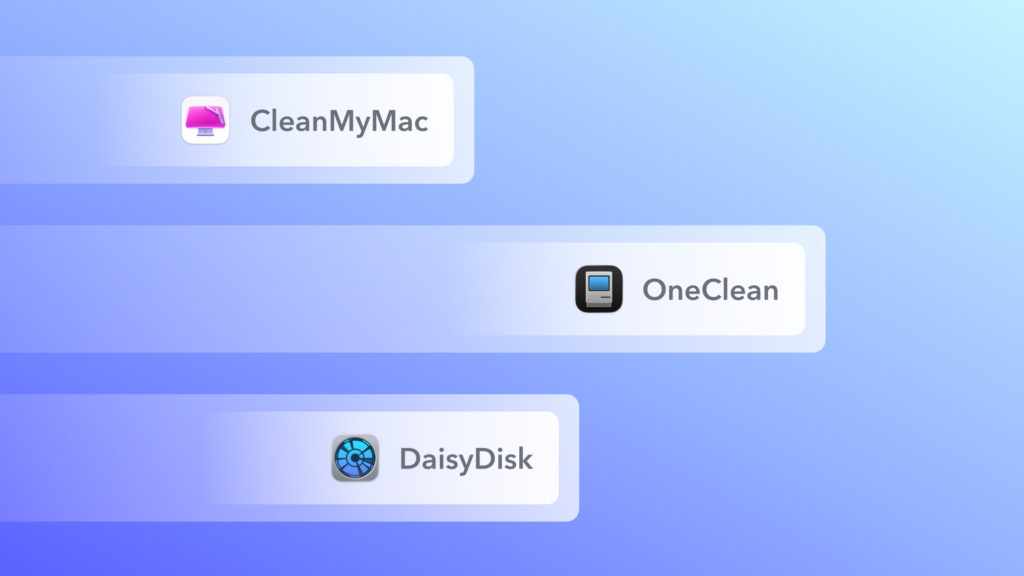
The best free CleanMyMac alternatives are OneClean and PureMac for all-in-one cleanup, Mole if you are comfortable in Terminal, OnyX for system maintenance, AppCleaner for removing apps, and the Storage settings already built into macOS. None of them replaces everything in CleanMyMac, especially its malware scanning, but most people looking for an alternative mainly want to free up disk space, and these tools can do that at no cost.
Disclosure: OneClean is our own app, built by the founder of Scientyfic World, so weigh our view of it accordingly. We have no commercial relationship with the other developers named here. Features were checked on each developer’s own website or GitHub repository on 6 November 2026. This is a comparison of what each app documents, not a hands-on benchmark.
What CleanMyMac Does That You May Need to Replace
CleanMyMac is paid software with a free trial, so it is not free to keep using. It bundles junk cleanup, malware scanning, performance tasks, app uninstalling, app updates, duplicate and large file search, and cloud storage cleanup. Before you pick an alternative, decide which of those jobs you actually use. Most free tools do only some of them.
Free CleanMyMac Alternatives Compared
| Tool | Type | Junk cleanup | Large files / duplicates | App uninstaller | Notarized by Apple |
|---|---|---|---|---|---|
| OneClean | Mac app | Yes | Yes / Yes | Yes, with leftovers | Not yet |
| PureMac | Mac app, open source | Yes | Browse by size / Yes | Yes, with leftovers | Yes |
| Mole | Command line, open source | Yes | Large files | Yes, with leftovers | Not applicable to the CLI |
| OnyX | Mac app | Caches | No | Yes | Not checked |
| AppCleaner | Mac app | No | No | Yes | Not checked |
| macOS Storage | Built in | Recommendations | Large files | Basic | Part of macOS |
None of these documents a malware scanner like CleanMyMac’s, so that is the main feature you give up.
1. OneClean
OneClean is our own app, a new free Mac cleaner with no trial, subscription or ads. It is the closest to CleanMyMac in everyday cleanup, and it is built around review: results are grouped, every removal is confirmed, and items go to the Bin by default. Surface Clean covers app caches, logs and temporary files, while Deep Clean adds system caches, large files and duplicates. You also get a live dashboard, a view of what uses space on internal and external disks, an app uninstaller and a Leftovers list for apps you already deleted.
Two limits matter. It is a 1.0 release that needs macOS 14 Sonoma or later, and it is not yet notarized by Apple, so you have to approve it once in Privacy & Security. The install guide shows each step. If that is a dealbreaker, PureMac below is notarized.
2. PureMac
PureMac is a free, MIT-licensed, open-source app covering cleanup, app management, storage exploration and system checks. It is signed and notarized, its developer promises no telemetry, and you can read the code that decides what gets removed. It also avoids claims about boosting memory or speed. Choose it if open source and notarization matter most to you.
3. Mole
Mole is a very popular open-source command-line tool, licensed under GPL-3.0. It combines deep cleaning, an uninstaller, a disk analyser, maintenance tasks and live system monitoring. Install it with Homebrew, and preview changes before running them:
brew install mole
mo clean --dry-run
It suits developers and anyone happy in Terminal. The free command-line tool is separate from Mole’s Mac app, which is its own download.
4. OnyX
OnyX is a long-running, donation-funded maintenance utility from Titanium Software. It verifies system files, deletes caches, runs maintenance tasks and exposes hidden settings. It replaces CleanMyMac’s maintenance tools rather than its one-click cleanup, and it expects you to know what each option does. Download the version made for your macOS release, because each major release has its own.
5. AppCleaner
If you mostly used CleanMyMac to uninstall apps, AppCleaner may be all you need. Drop an app on its window, review the related files it finds and delete them together. Version 3.7 is for macOS 15 and later, and older versions are available for earlier systems.
6. macOS Storage Settings
The simplest option is the one you already have. Go to System Settings > General > Storage, where macOS shows what is using space and offers recommendations. Apple’s guide also explains the System Data category, which covers files that do not fit elsewhere. Start here before installing anything.
A Free Tool to Be Careful With: Pearcleaner
Many lists recommend Pearcleaner, and it is a capable uninstaller. However, its GitHub page now says the project is on hold, with new releases and issue responses paused indefinitely. Its developer also warns about a fake site using the app’s name, so download only through the links on that page. We would pick an actively maintained tool for a new install.
Which Free CleanMyMac Alternative Should You Choose?
| If you want… | Choose |
|---|---|
| Free all-in-one cleanup, approving each removal | OneClean |
| Free all-in-one cleanup that is open source and notarized | PureMac |
| Scriptable cleanup from Terminal | Mole |
| System maintenance and hidden settings | OnyX |
| Only to remove apps cleanly | AppCleaner |
| To free some space without installing anything | macOS Storage settings |
| Malware scanning in the same app | Stay with CleanMyMac or use a dedicated security tool |
For a wider comparison that includes paid apps, see our list of the best Mac cleaner software.
Conclusion
You can replace most of what people use CleanMyMac for without paying, as long as you can live without built-in malware scanning. Check the macOS Storage settings first, then pick the tool that matches your job. If you want a free app that shows you everything before it removes it, download OneClean and see whether it suits you.
Is there a free version of CleanMyMac?
CleanMyMac is paid software with a free trial, so it is not free for ongoing use. Free alternatives such as OneClean, PureMac and OnyX cover many of the same cleanup jobs.
What is the best free alternative to CleanMyMac?
For all-in-one cleanup, OneClean and PureMac are the closest. PureMac is open source and notarized, while OneClean is built around confirming every removal but is not yet notarized. Mole suits Terminal users.
Is there an open-source CleanMyMac alternative?
Yes. PureMac is an MIT-licensed Mac app, and Mole is a GPL-3.0 command-line tool. Both offer cleanup and app removal.
Is OnyX a good alternative to CleanMyMac?
For maintenance, yes. OnyX is free and powerful, but it is more technical and does not offer the same one-click cleanup or malware scanning.
What do I lose if I leave CleanMyMac?
Mainly built-in malware scanning and having every tool in one polished app. The free tools here focus on disk space, app removal and maintenance.