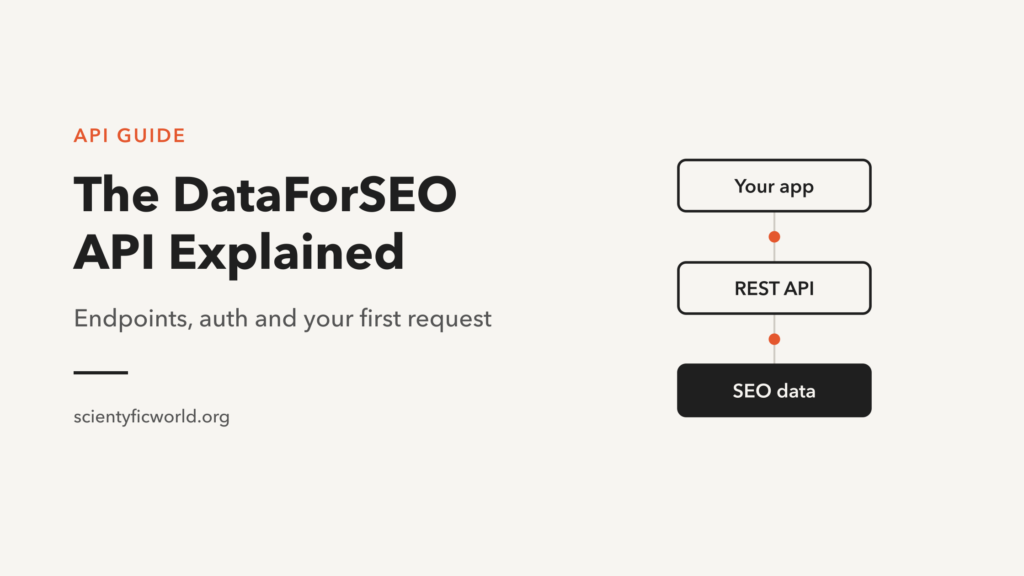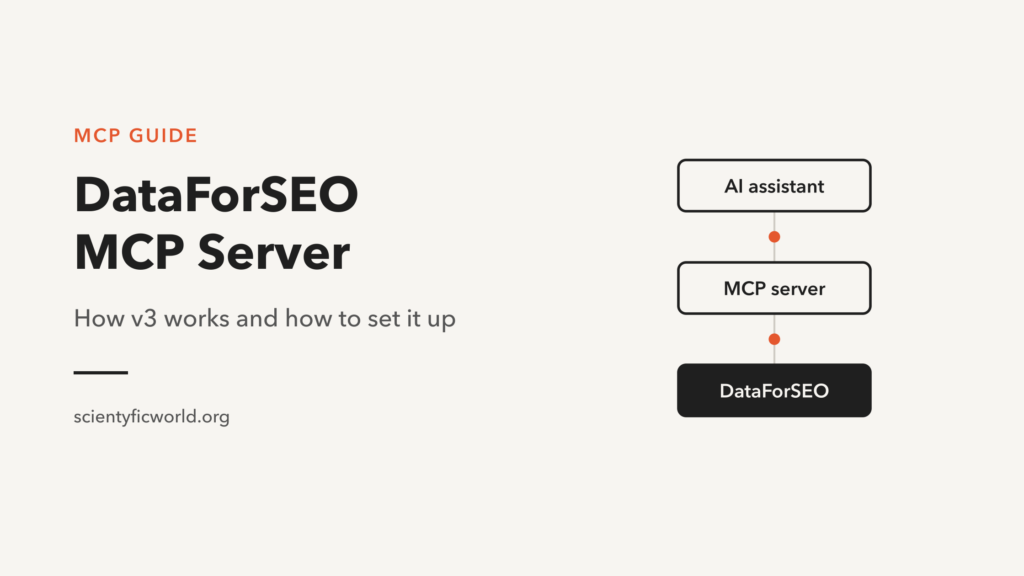
The DataForSEO MCP server connects AI assistants such as Claude, ChatGPT and Cursor to DataForSEO’s SEO data through the Model Context Protocol. You ask a question in plain English, and the assistant finds the right endpoint, calls it and works with the result. The server changed substantially with v3: instead of more than 80 tools and a list of modules to enable, it now exposes just four tools. Many setup guides still describe the old version, so this one covers how the new server works and how to connect it.
Disclosure: some links in this article are affiliate links. If you sign up through them, scientyficworld.org may earn a commission at no extra cost to you. It does not change our recommendations.
The setup steps below follow DataForSEO’s repository and help centre as of 5 November 2026. We confirmed that the hosted endpoints respond and ask for authentication, but did not connect a paid account to them.
What Changed in the v3 MCP Server
DataForSEO has deprecated the previous server. It still runs but is no longer updated, and the company recommends switching. The practical differences are:
| Legacy server | v3 server | |
|---|---|---|
| Tools | More than 80, one per API function | Four general tools |
| Choosing what to expose | ENABLED_MODULES environment variable | Not needed; the agent reads the docs and calls what it needs |
| Coverage | The enabled modules | The whole documented API |
| Authentication | API login and password | OAuth on the hosted server, or API login and password |
| Limiting returned data | Field configuration keyed by tool name | Field configuration keyed by API path |
So if a tutorial tells you to set ENABLED_MODULES, it is describing the old server. That variable is not documented in the v3 README, which is the source to follow. Even DataForSEO’s older setup guide still shows previous commands, so prefer its newer quickstart.
How the Four Tools Work
| Tool | What it does |
|---|---|
docs_list_sections | Lists the sections of the API documentation |
docs_index | Fetches the documentation index, optionally for one section |
docs_search | Reads the documentation page for an endpoint |
api_request | Makes an authenticated API request |
This is a good pattern for AI agents: tool definitions take up less of the model’s context, and the agent reads only the documentation it needs. A request such as “pull the top 10 organic results for ‘best crm software’ in the UK” should typically go like this:
- The assistant looks through the docs index for the right SERP endpoint.
- It reads that endpoint’s documentation to learn the required parameters.
- It calls
api_requestwith the path and a JSON body. - It summarises the response, for example which domains dominate.
By default, api_request uses AI-optimized response paths ending in .ai. These return cropped JSON, with empty fields, position data and most of the service wrapper removed, which saves tokens. Set noAiMode to true if you need the standard response.
How to Set Up the DataForSEO MCP Server
You need an active DataForSEO account. Local setups also need your API login and password from the API Access tab, and a current version of Node.js.
Option 1: Hosted server with OAuth (no install)
This is the simplest route. DataForSEO’s OAuth guide covers Claude Desktop, ChatGPT and Cursor. In Cursor, for example, add this under Tools & MCPs:
{
  "mcpServers": {
    "dataforseo": {
      "url": "https://mcp.dataforseo.com/v3/mcp"
    }
  }
}
Cursor then asks you to connect and sends you to DataForSEO to approve access. In Claude Desktop, go to Customize, then Connectors, and choose Add custom connector with the same URL. The guide lists a Claude Pro subscription as a requirement for this route.
A note on the URL: the v3 README gives https://mcp.dataforseo.com/v3/mcp, while some help articles show https://mcp.dataforseo.com/mcp. Both responded on 5 November 2026. We use the README’s address; whichever you use, confirm the tool list afterwards, as described below.
Option 2: Claude Desktop with a local server
In Claude Desktop, open Settings, then Developer, then Edit Config, and add this to claude_desktop_config.json:
{
  "mcpServers": {
    "dataforseo": {
      "command": "npx",
      "args": ["dataforseo-mcp-server"],
      "env": {
        "DATAFORSEO_LOGIN": "your_api_login",
        "DATAFORSEO_PASSWORD": "your_api_password"
      }
    }
  }
}
Restart Claude Desktop and start a new chat.
Option 3: Claude Code
DataForSEO’s Claude Code guide registers the local server with one command:
claude mcp add dfs-mcp --env DATAFORSEO_USERNAME=<api_username> --env DATAFORSEO_PASSWORD=<api_password> -- npx -y dataforseo-mcp-serverDATAFORSEO_USERNAME is an accepted alias for DATAFORSEO_LOGIN. If you only use command-line agents, you can skip MCP altogether: the quickstart also describes a CLI mode, where you copy the repository’s SKILL.md file into your agent’s skills folder. For a comparison of agent tools, see Claude Code vs Cursor.
Check that it worked
Look at the tools your client lists for the server. You should see exactly four: docs_index, docs_list_sections, docs_search and api_request. If you see dozens of tools, you are connected to the legacy version.
Using the DataForSEO MCP Server in n8n
In n8n, add an AI Agent node with a chat model and attach an MCP Client Tool. DataForSEO’s n8n guide points it either at a local server or at the hosted endpoint with header authentication. For the header value, Base64-encode login:password and put Basic and a space in front of it.
Use MCP when the agent should decide what data it needs. For fixed steps that run the same way each time, the regular DataForSEO node is more predictable. Our guide to the DataForSEO API covers the node and the endpoints it can call.
Prompts to Try
- “Pull the top 10 organic results for ‘[keyword]’ in the UK and summarise which domains dominate.”
- “Get search volume, keyword difficulty and intent for this list of keywords, then group them by intent.”
- “Summarise the backlink profile of [domain] and tell me what stands out.”
- “Compare the top results for these three keywords and find pages that rank for more than one.”
Keep Agents Under Control
- Remember that requests are real. Every
api_requestruns against your DataForSEO account. An agent may make several calls for one question, so test with narrow prompts and review tool calls before auto-approving them. - Limit the data returned. A field configuration file trims responses per endpoint, which keeps long SERP responses from filling the model’s context. Ask the assistant to write long output to a file rather than into the chat.
- Protect your credentials. Prefer OAuth where your client supports it. If you use a config file, keep it out of version control.
- Treat results as untrusted input. SERP titles and page content come from the open web and could contain text aimed at manipulating an AI. Be careful about giving the same agent tools that can change things.
Troubleshooting
| Symptom | Likely cause | Fix |
|---|---|---|
| “You are not authorized” | Dashboard password used instead of the API password | Copy the API credentials from the API Access tab |
| Dozens of tools appear | Connected to the legacy server | Update the package or endpoint, then confirm you see four tools |
| “Fetch not defined” | Old Node.js version | Install the current Node.js release |
| Requests stop on long tasks | AI provider limits | Write long output to a file, or start a new chat |
ENABLED_MODULES does nothing | Following a guide for the old server | Remove it and follow the v3 README |
Ready to try it? Create a DataForSEO account, then connect the hosted server with OAuth.
Conclusion
The v3 DataForSEO MCP server is simpler than the version most guides describe: four tools, access to the full API and no modules to manage. Start with the hosted server and OAuth, confirm you can see all four tools, and test with a narrow prompt before giving an agent bigger jobs.
What is the DataForSEO MCP server?
It is DataForSEO’s official Model Context Protocol server. It lets AI assistants read the DataForSEO documentation and make authenticated API requests, so you can ask for SEO data in plain English.
Which tools does the DataForSEO MCP server provide?
The v3 server has four tools: docs_index, docs_list_sections, docs_search and api_request. If your client shows dozens of tools, you are connected to the legacy server.
Do I still need ENABLED_MODULES?
That setting belongs to the deprecated server and is not documented in the v3 README. In v3, the agent reads the documentation and calls the endpoints it needs.
Does the DataForSEO MCP server work with Claude?
Yes. You can connect Claude Desktop through the hosted server with OAuth or a local configuration, and Claude Code with a single claude mcp add command.
Can I use the DataForSEO MCP server in n8n?
Yes. Attach an MCP Client Tool to an AI Agent node, then point it at a local server or the hosted endpoint with a Basic authentication header.
Is the DataForSEO MCP server open source?
Yes. The code is on GitHub under the dataforseo organisation, and the npm package dataforseo-mcp-server is licensed under Apache 2.0.